
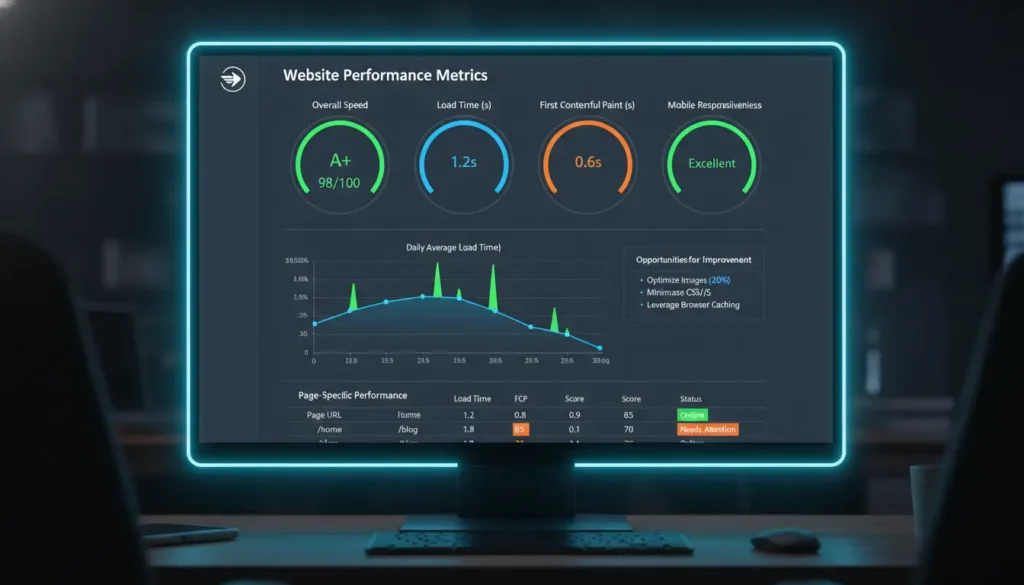
Why website loading speed matters
Website loading speed directly affects user experience, search rankings, and conversion rates. Slow pages frustrate visitors and increase bounce rates, which can cost traffic and revenue.
Improving website loading speed is a technical and strategic task you can complete incrementally. This guide gives practical steps you can apply today and measure over time.
Measure your website loading speed
Before making changes, establish a performance baseline. Use multiple tools to get reliable data and compare results.
- Google PageSpeed Insights — quick lab and field data for mobile and desktop.
- WebPageTest — detailed waterfall charts, metrics, and filmstrip views.
- GTmetrix — combines Lighthouse and WebPageTest insights.
Record metrics like Largest Contentful Paint (LCP), First Contentful Paint (FCP), Time to First Byte (TTFB), and Total Blocking Time (TBT). These numbers guide priorities.
Optimize images to improve website loading speed
Images are often the largest assets on a page. Optimizing them delivers big wins without complex engineering.
- Choose modern formats: WebP or AVIF for photographs, SVG for logos and icons.
- Resize images to the display size; avoid serving a 2000px image when 600px is needed.
- Use responsive images (srcset) to serve appropriate sizes to different viewports.
- Enable image compression with sensible quality settings (70–85% for photos).
Minify and compress assets to reduce payload
HTML, CSS, and JavaScript files can have unnecessary characters and whitespace. Minification reduces file size without changing behavior.
Enable gzip or Brotli compression on your web server or CDN to reduce transfer size further. Brotli usually gives better compression for text assets.
Combine and defer JavaScript
Avoid blocking the main thread with render-blocking JavaScript. Use async or defer for non-critical scripts, and move critical inline scripts carefully.
- Load analytics and third-party widgets asynchronously.
- Split large scripts into smaller chunks and lazy-load features behind user interaction.
Enable caching and use a CDN
Proper caching reduces repeat load times and decreases server work. Use browser caching headers (Cache-Control, ETag) for static assets.
A Content Delivery Network (CDN) stores cached copies of your assets across global points of presence. CDNs reduce latency and improve load times for geographically dispersed users.
Caching tips
- Set long cache lifetimes for versioned assets (e.g., app.v1.2.css).
- Use short cache lifetimes or cache-busting for frequently changing files.
- Implement server-side caching (page caches, object caches) for dynamic content.
Reduce server response time and backend delays
Time to First Byte (TTFB) reflects server response speed. Database queries, inefficient code, or overloaded servers increase TTFB.
- Optimize database queries and add indexes where appropriate.
- Use persistent connections and connection pooling for databases.
- Scale vertically or horizontally when resource limits are reached (faster CPUs, more instances).
Lazy load non-critical content
Lazy loading defers images, videos, and below-the-fold content until the user is likely to see them. This reduces initial load and speeds up perceived performance.
Native loading=”lazy” for images is widely supported and simple to implement. For more complex cases, use intersection observers to trigger loads.
Test and monitor website loading speed continuously
Performance is not a one-time fix. Set up ongoing monitoring to catch regressions and measure the effect of changes.
- Synthetic monitoring: run scheduled tests from multiple locations.
- Real User Monitoring (RUM): collect performance data from actual visitors.
- Alert on degradations of LCP, FID, or error rates.
Every 100 milliseconds of delay in page load can lower conversion rates. Fast-loading pages improve user engagement and can directly increase revenue.
Small real-world example: e-commerce site case study
A mid-size online retailer reduced average page weight from 2.8 MB to 1.2 MB. They optimized images, enabled Brotli compression, and served assets through a CDN.
Results within four weeks: LCP improved from 3.8s to 1.6s, bounce rate dropped by 12%, and conversion rate increased by 8%. The technical changes were incremental and low cost, mostly configuration and image work.
Checklist to improve website loading speed
- Run baseline tests with PageSpeed Insights and WebPageTest.
- Optimize and convert images to WebP/AVIF; resize large files.
- Minify CSS/JS and enable Brotli or gzip compression.
- Use async/defer for non-critical JavaScript and lazy-load images.
- Enable caching headers and deploy a CDN.
- Monitor TTFB, LCP, FID, and set alerts for regressions.
Final notes on improving website loading speed
Start with measurement, make one change at a time, and re-test to confirm improvements. Small optimizations compound to meaningful gains.
Prioritize changes that give the biggest impact for the least effort, like image optimization and caching. Over time, incorporate automated checks into your deployment process to keep pages fast.