
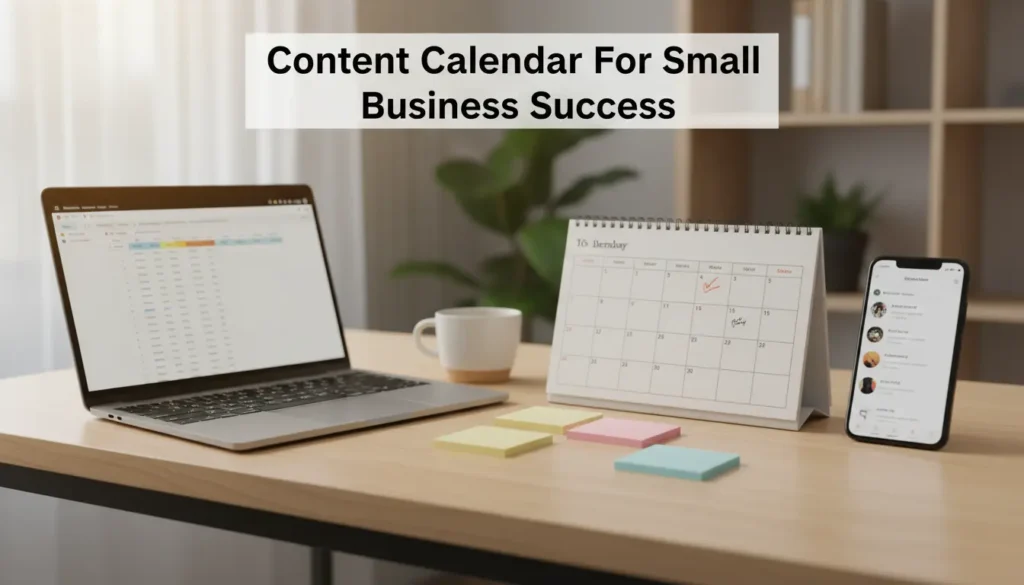
Why a content calendar for small business matters
Many small businesses juggle social posts, blog updates, and seasonal offers without a clear plan. A content calendar brings structure so teams can publish consistently and track results.
Consistency builds audience trust and reduces last minute work. With a simple calendar you can plan themes, promotions, and evergreen posts months ahead.
Simple benefits of a content calendar for small business
- Better time management and fewer rushed posts
- Clear alignment between marketing and sales promotions
- Improved content variety and audience engagement
- Easy performance tracking and optimization
How to build a content calendar for small business in 6 steps
Follow these practical steps to create a calendar that fits your resources and goals. Each step is designed for small teams or solo owners.
Step 1. Define goals and audience
Start with one to three measurable goals like increasing web traffic, generating leads, or boosting foot traffic. Know who you are writing for and what problems you solve.
Clear goals make it easier to choose content types and measure success.
Step 2. Choose channels and frequency
List the platforms you will use: blog, email, Instagram, Facebook, LinkedIn, or TikTok. Match frequency to capacity. For example, publish a blog post twice a month and social posts three times a week.
Step 3. Create content themes and pillars
Pick 3 to 5 core topics that reflect your expertise and audience needs. Themes might include product tips, customer stories, promotions, and behind the scenes.
Rotate themes to maintain variety and cover all important areas over a month.
Step 4. Build a simple calendar template
Use a spreadsheet, Google Calendar, or a free project tool. Columns should include date, channel, content title, owner, status, and a link to assets.
Keep the template lean so it is easy to update and share.
Step 5. Plan content types and formats
Decide on article length, image needs, hashtags, and CTAs in advance. Map which formats work best for each channel, for example short videos for social and longer how to posts for the blog.
Batch tasks like writing captions and scheduling images to save time.
Step 6. Schedule, publish, and review
Use scheduling tools to publish content automatically. Review performance weekly and adjust the calendar monthly based on what works.
Small, regular improvements will compound into stronger results over time.
Practical tips for maintaining your content calendar
- Assign one editor or owner to avoid confusion
- Keep a backlog of ideas to fill gaps
- Use templates for common post types to speed creation
- Set recurring reminders for review and analytics
Simple content calendar example templates
Here are two compact templates you can use right away. Copy to a spreadsheet and start filling dates.
- Weekly template: Mon social tip, Wed product post, Fri behind the scenes
- Monthly blog plan: Week 1 how to, Week 3 case study, One promotional email each month
Businesses that publish regular content are more likely to rank higher in search engines and build repeat customers. A simple calendar increases the chance of publishing consistently.
Case study: Local bakery improves traffic with a content calendar
A small bakery in a mid sized town used a content calendar to plan weekly posts. They posted recipe tips, daily specials, and customer stories three times per week.
After three months the bakery saw a 25 percent increase in foot traffic on promotional days and a steady rise in social engagement. The owner spent less time worrying about what to post because content was planned in advance.
Tools to use for a content calendar for small business
- Google Sheets or Excel for a free flexible calendar
- Google Calendar for simple date based scheduling
- Buffer, Hootsuite, or Later for social scheduling
- Trello or Asana for team tasks and approvals
Common pitfalls and how to avoid them
Avoid rigid plans that never change. Review performance and adjust themes or formats if engagement drops.
Don’t overcommit. Set a realistic publishing frequency you can maintain and scale up later.
Final checklist before you launch
- Confirm goals and audience
- Create a simple template and assign owners
- Plan one month of content to start
- Schedule and track performance weekly
Creating a content calendar for small business does not need to be complex. Start small, be consistent, and refine your plan based on real results.